

IPTV, beautifully organized.
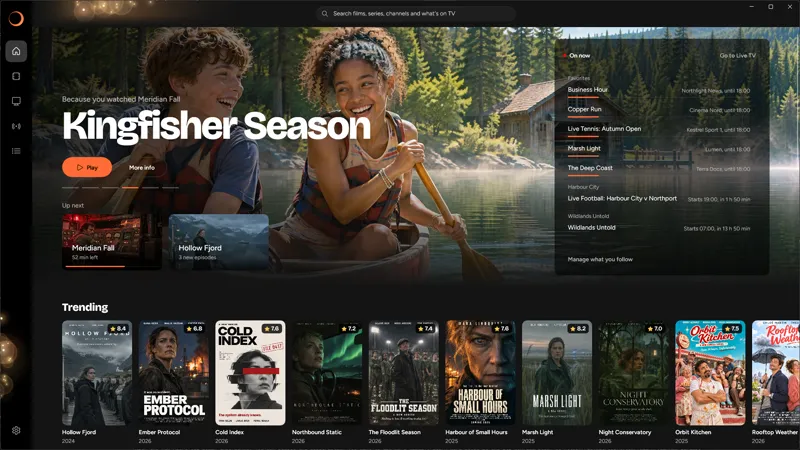
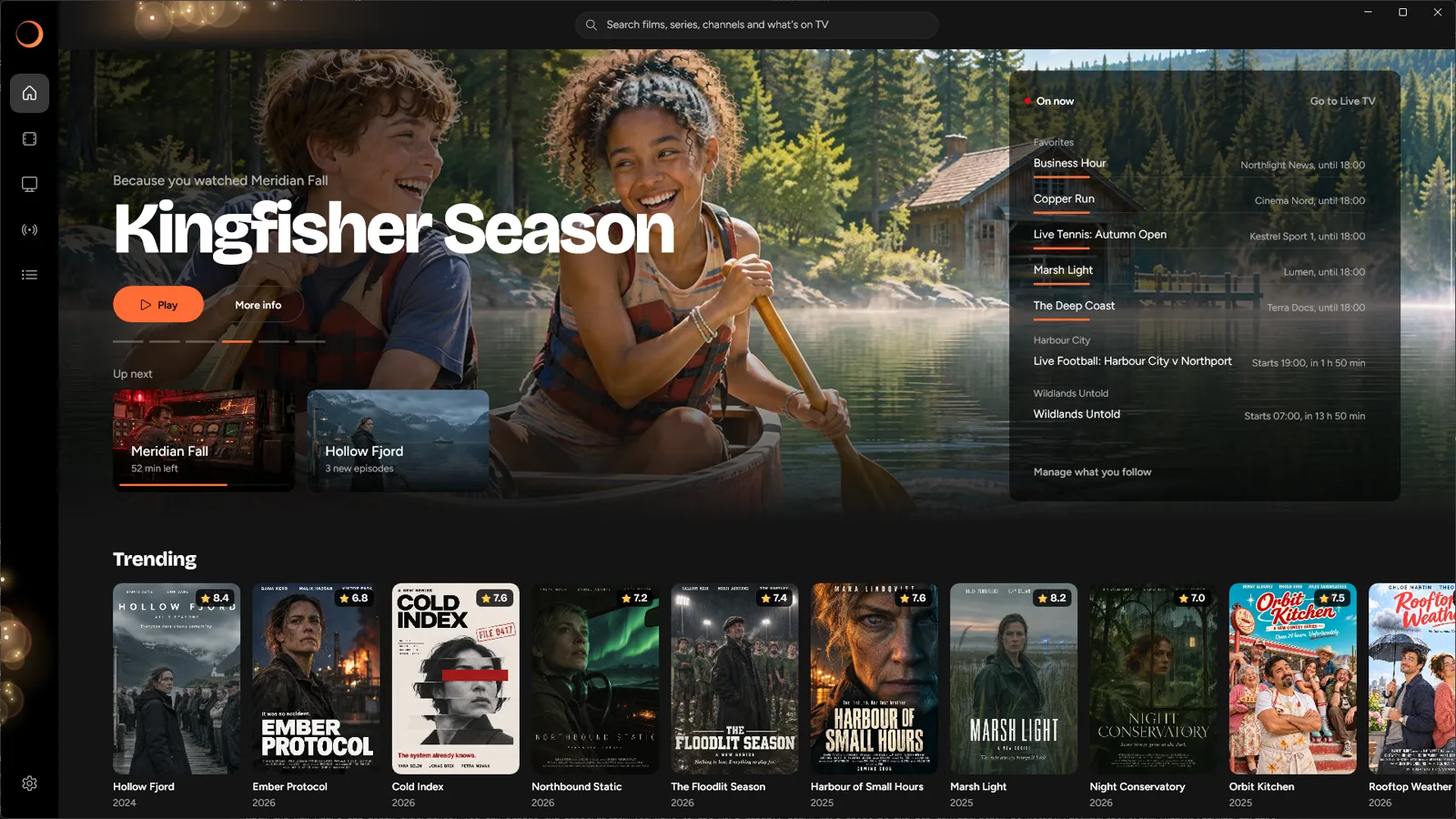
Bokeh TV is an IPTV player for Windows. Add your M3U playlist or Xtream login, and it turns your films, series and live TV into a library that's easy to browse.

Free for a week, then a yearly subscription.
-
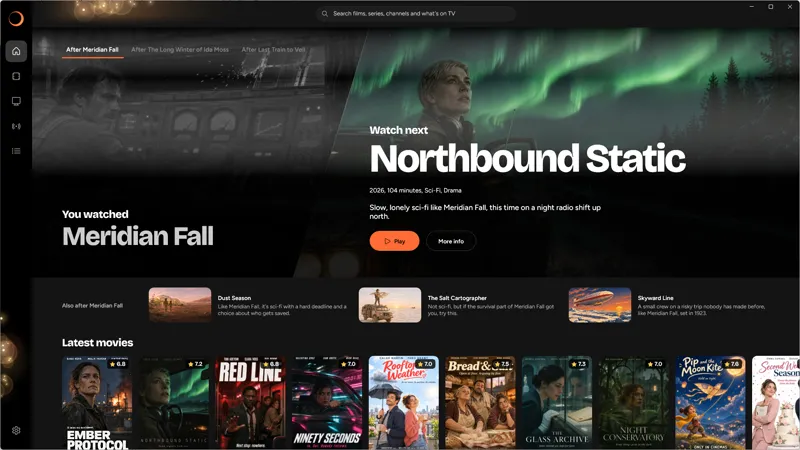
What to watch next
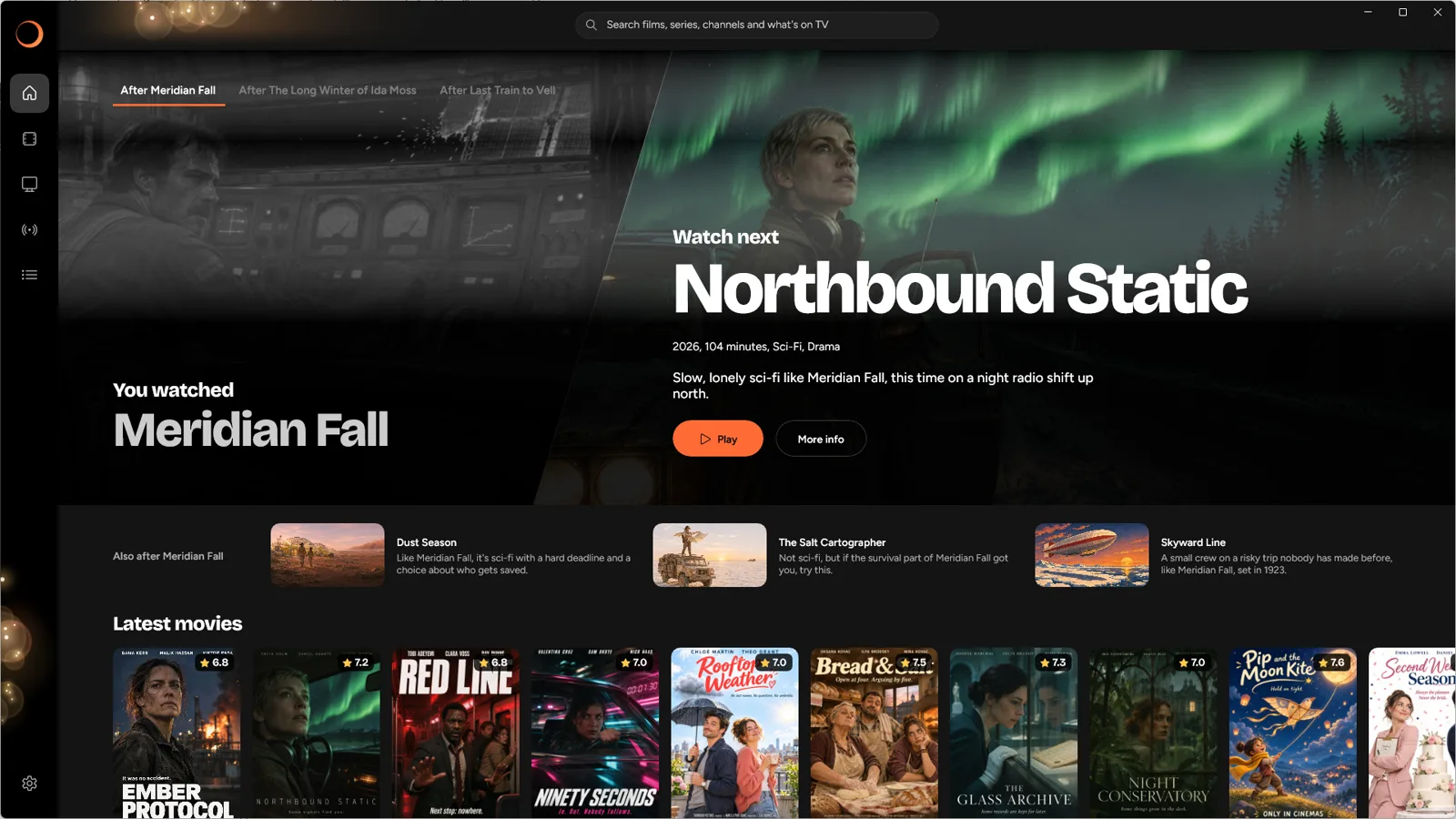
Finished a film? See what to watch next, and why it was picked.
-
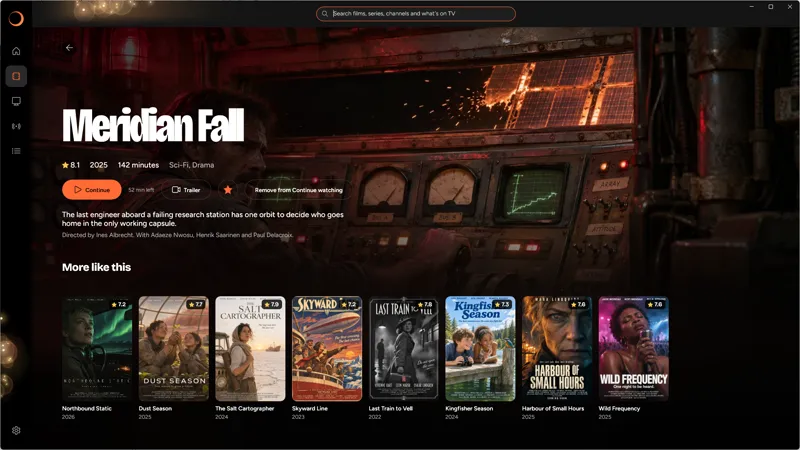
Every film
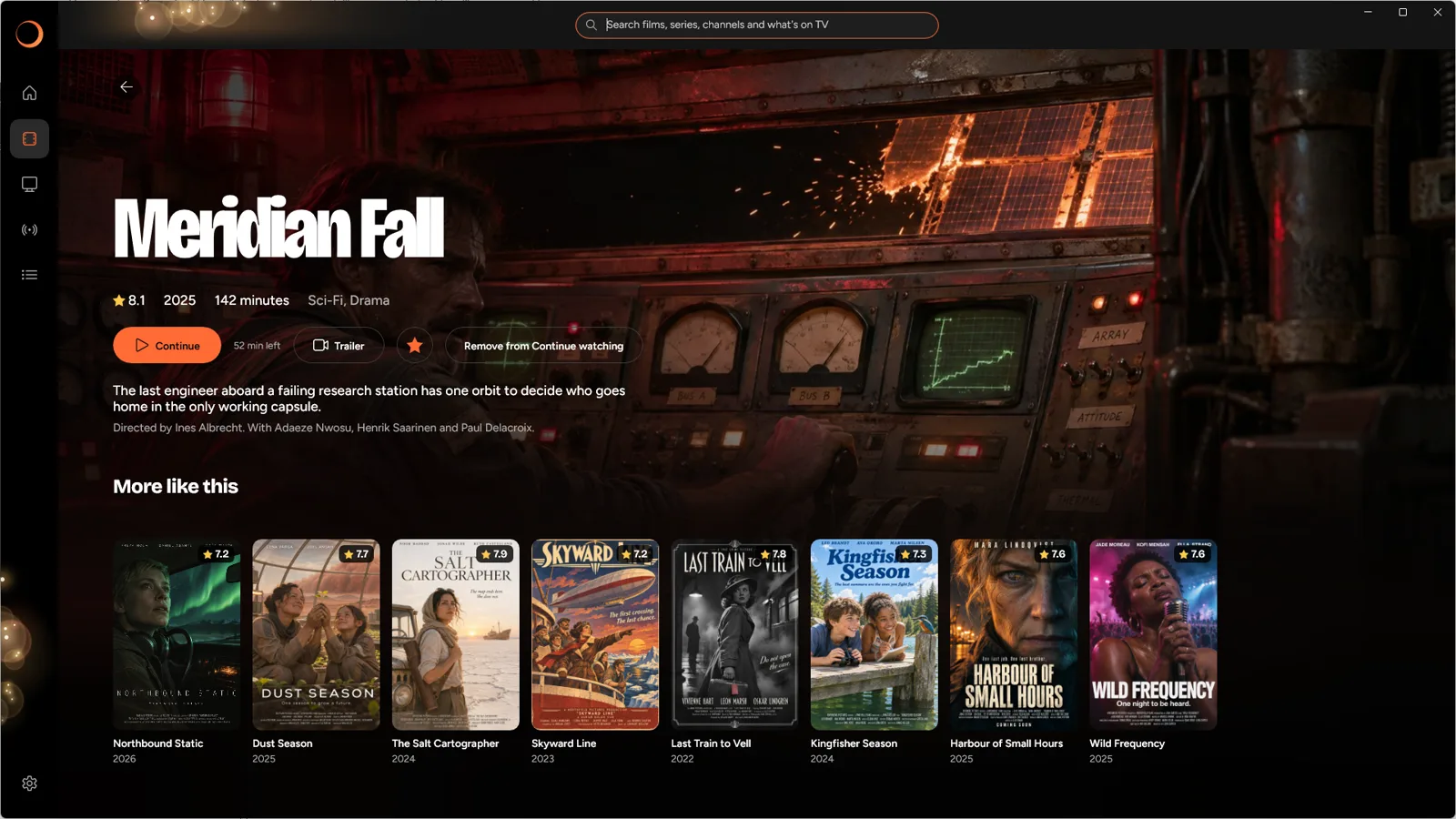
Plot, cast and similar films on every film's page.
-
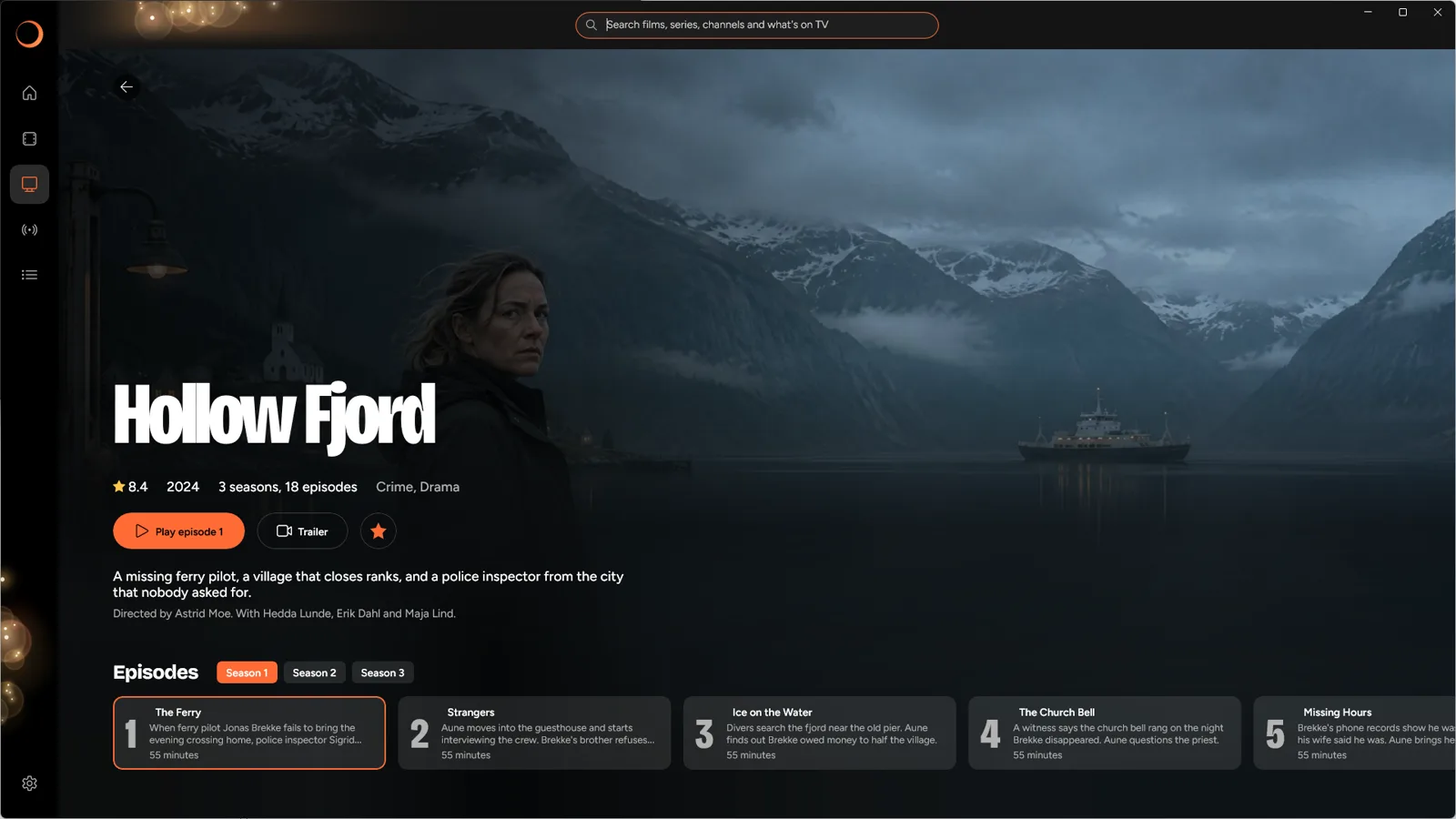
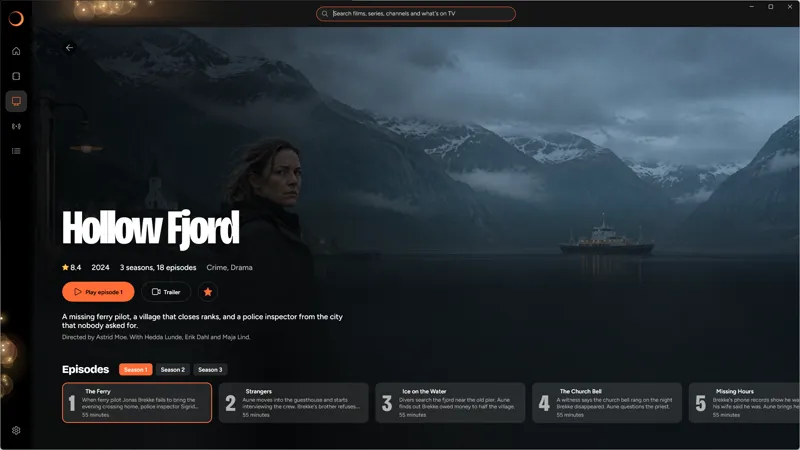
Every series
Every season and episode of a series in one place.
-
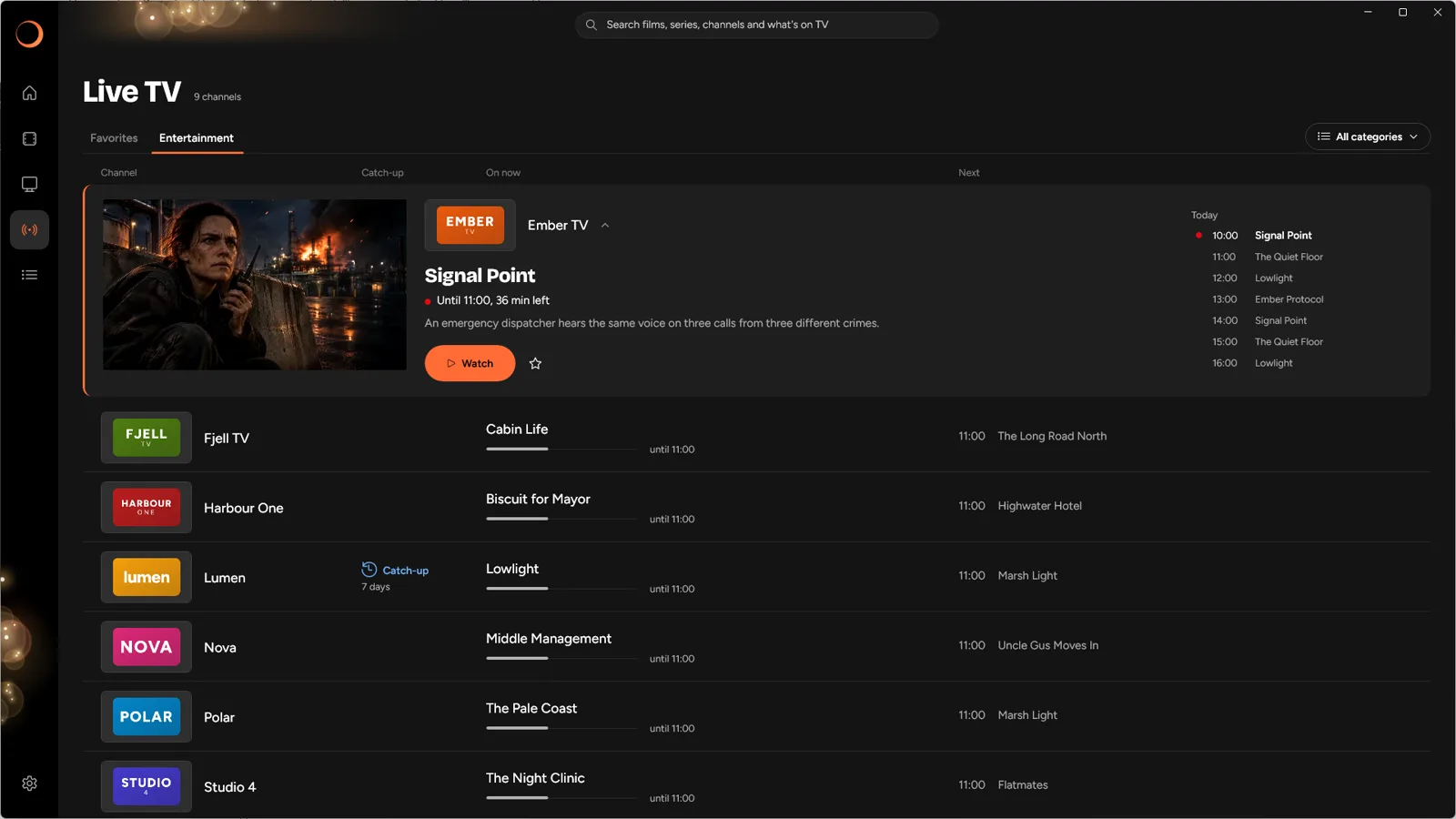
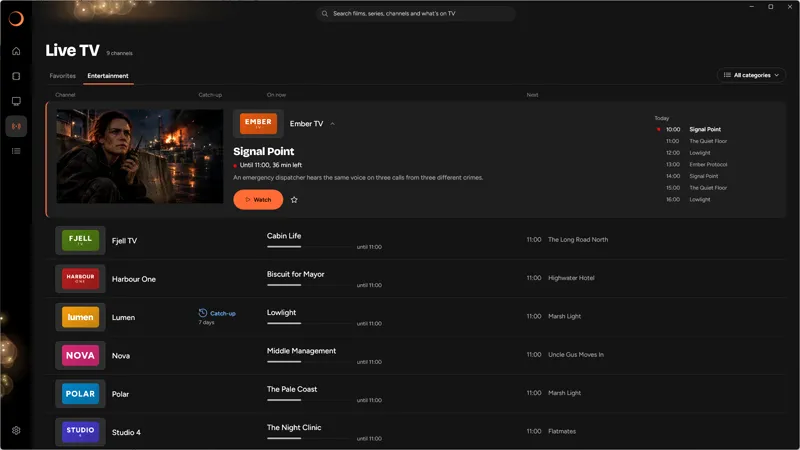
Live TV
Live channels with what's on now and next, and a preview as you browse.
-
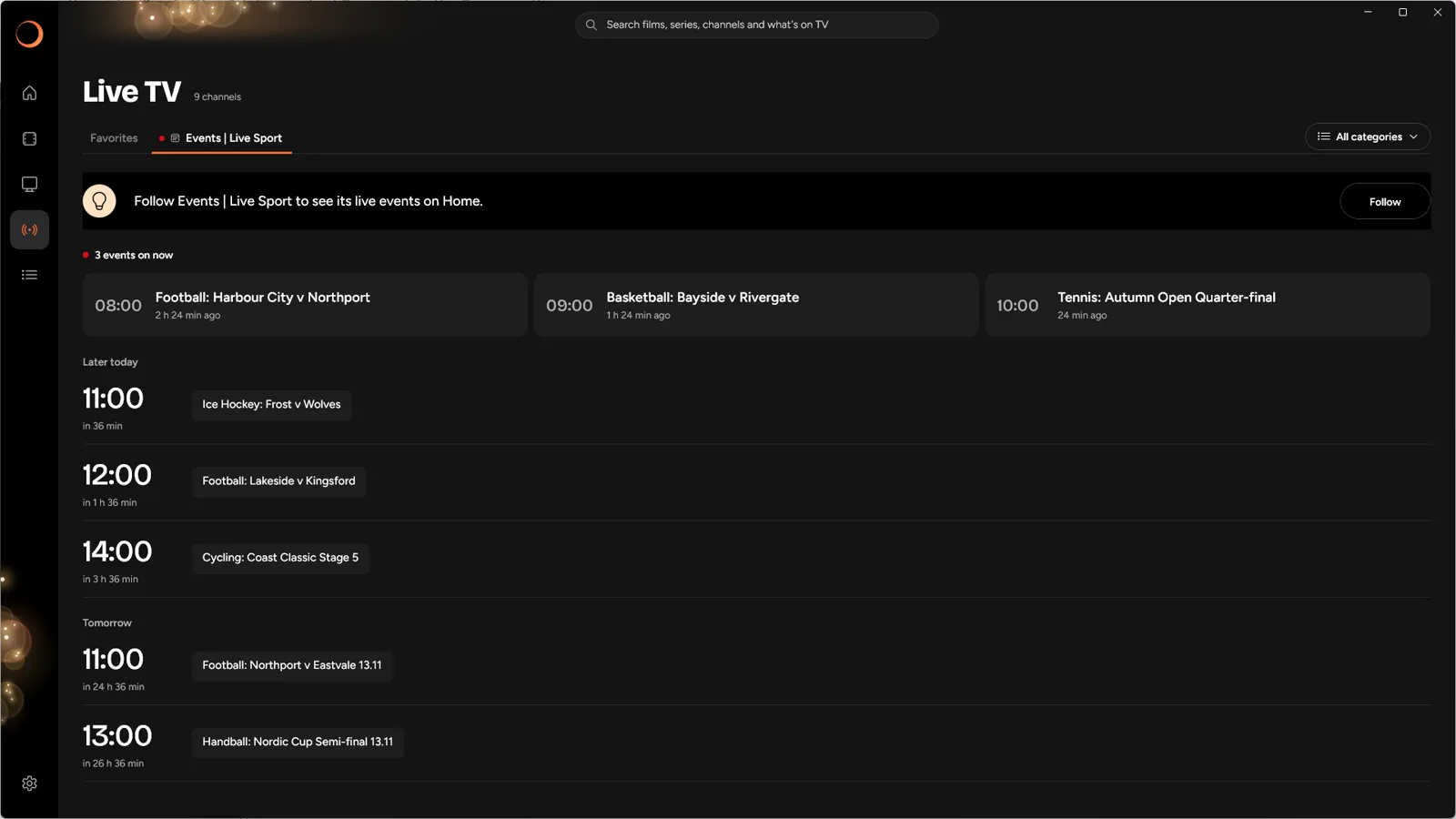
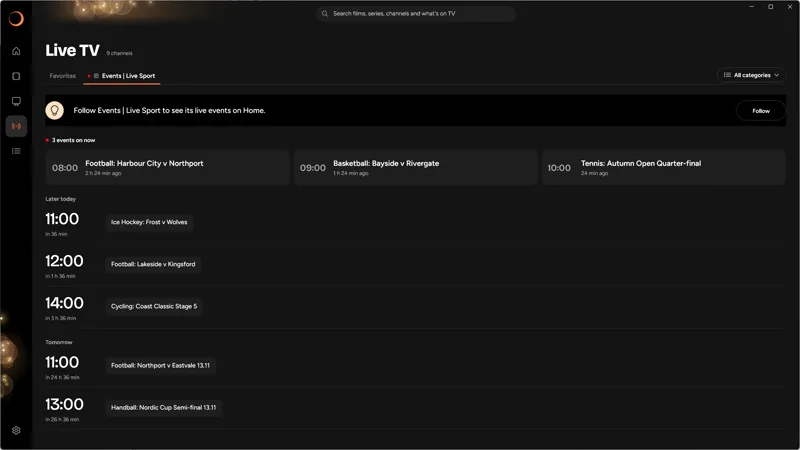
Sport and events
Live sport and events in one schedule, with what's on now at the top.
-
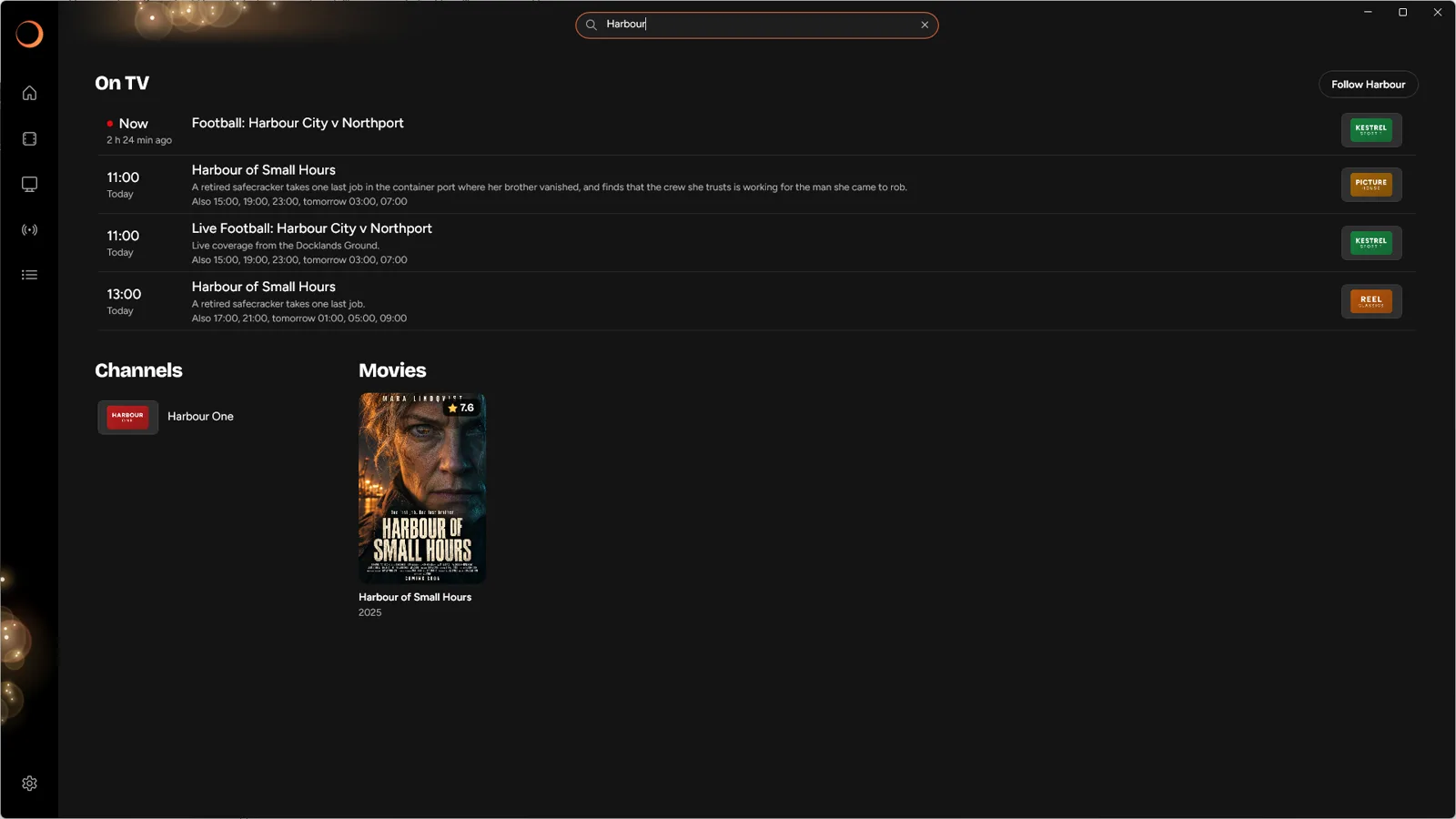
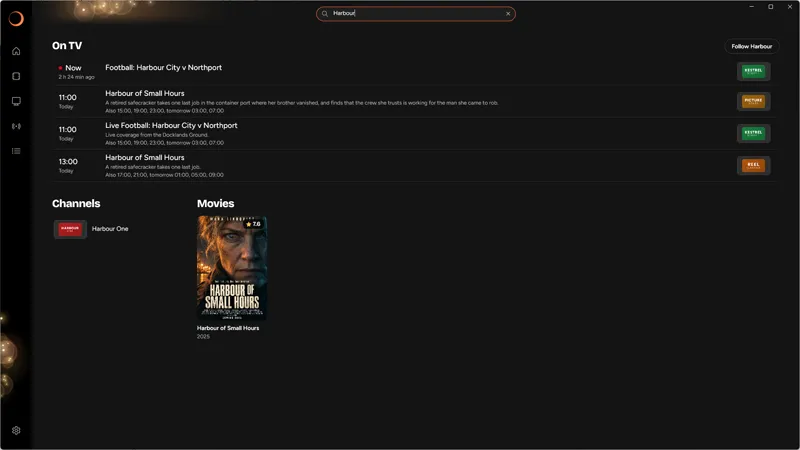
One search
One search for films, series, channels and what's on TV.
Built for big playlists
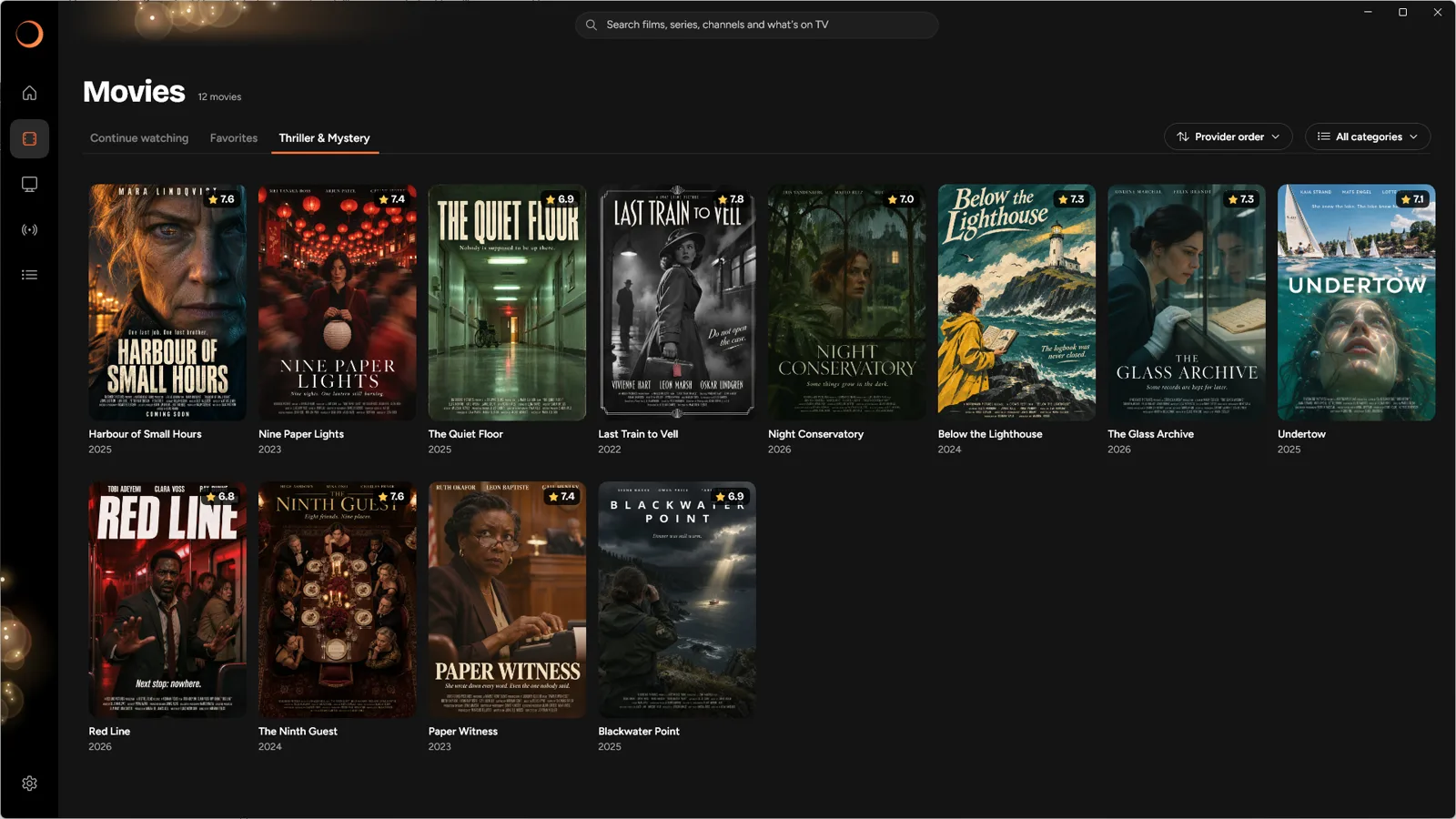
Your library
- Starts fast, even with very large playlists, and updates in the background
- Each film appears once, whatever languages or qualities your source has, and your choice is remembered
- Pin the categories you use and hide the rest
- Favorites and progress synced across your PCs
- Your preferred subtitle and audio languages, every time
- Next episode plays automatically
- Keyboard shortcuts in the player
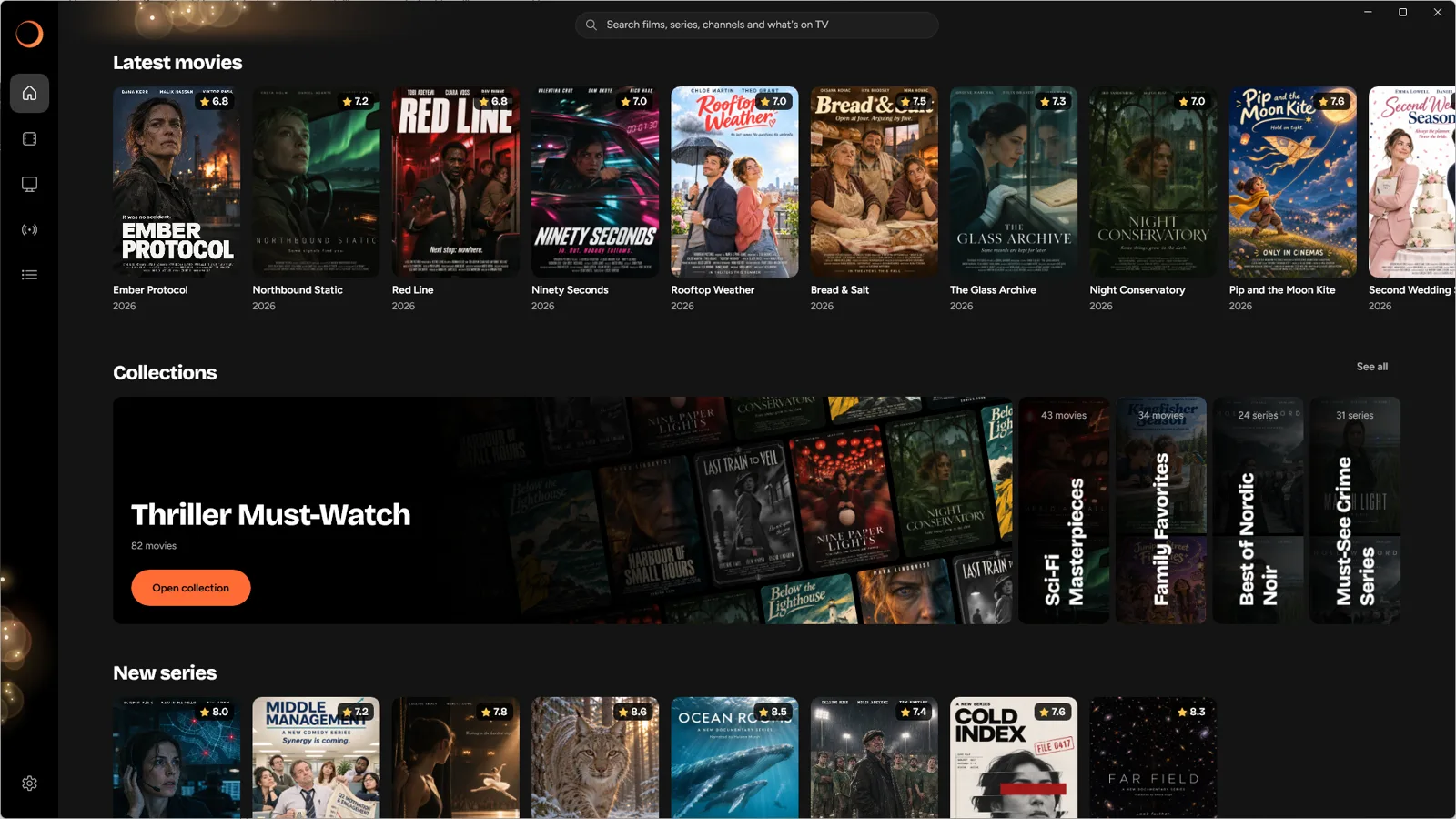
Something to watch
- Smart suggestions of similar titles from your own library
- Hand-picked collections, matched to what's in your library
- Continue watching and new episodes on Home
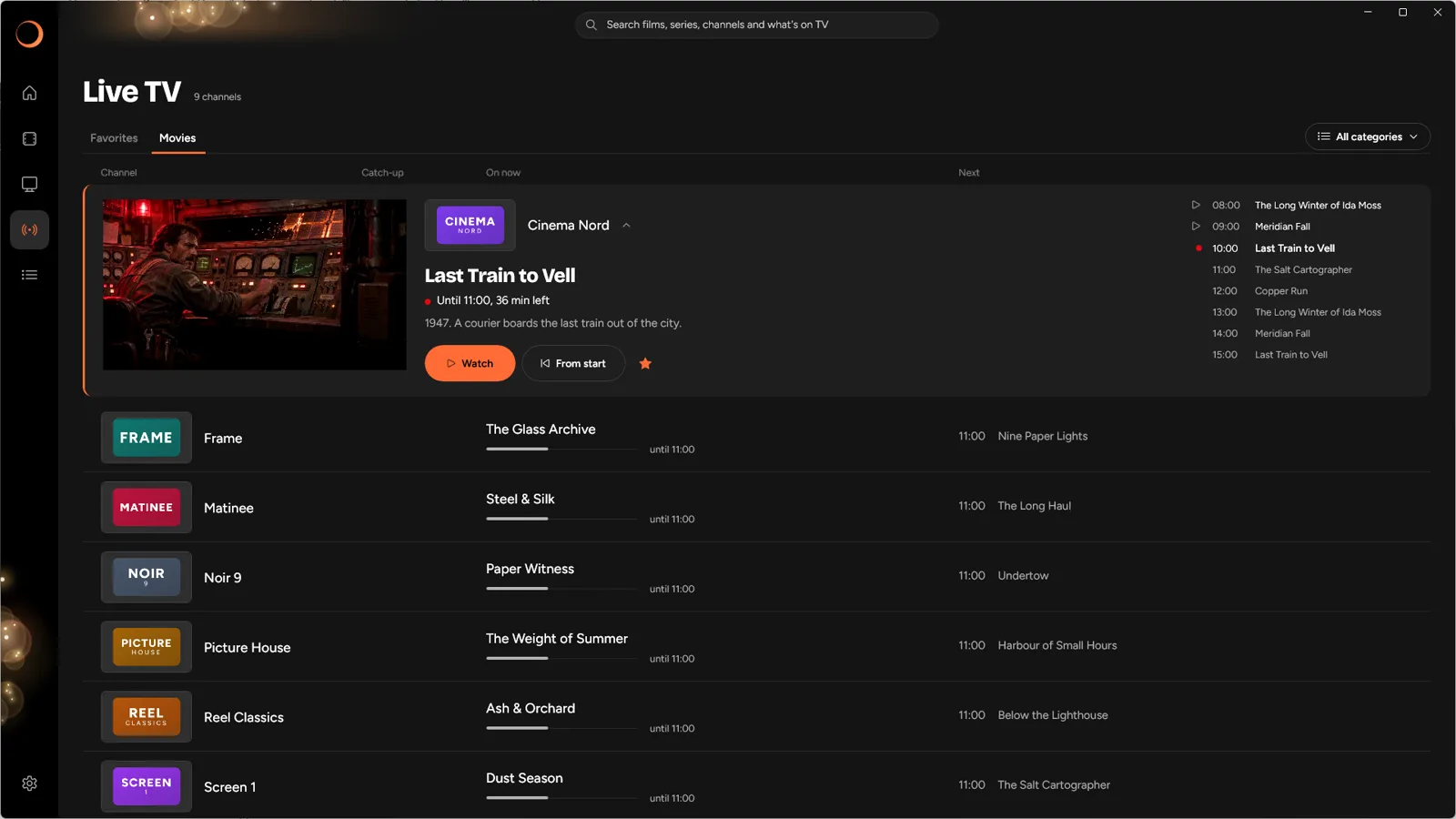
Live TV and sport
- Live TV with a program guide and catch-up where available
- Missed the start? Watch from the beginning on channels with catch-up
- Follow teams, shows and event categories to see them on Home when they're on
Bring your own provider
Bokeh TV doesn't provide any channels, films or series. You need a subscription or playlist from a provider of your own, and you're responsible for having the right to watch what you add.
What you see in the app depends on that provider: titles, channels, artwork, the TV guide and catch-up all come from them and vary between providers.

Try it free for a week.
After that it's a yearly subscription through Microsoft, and you can cancel any time in your Microsoft account.
For Windows 10 and 11. The titles in the screenshots are made up for illustration.